.webp)
Transform Your Home with AI-Powered Automation Tools for Smarter, Safer Living
In today’s world, Artificial Intelligence (AI) is revolutionizing smart homes by enabling automated control of lighting, security systems, thermostats, and appliances. Tools like Google Assistant and Amazon Alexa enhance convenience, improve energy efficiency, ensure home safety, and deliver personalized automation for seamless daily living.
This guide highlights top AI home automation tools offering smart control, analytics, and device integration. These solutions improve productivity, comfort, security, and energy efficiency through intelligent automation, helping homeowners create a connected, responsive, and future-ready smart home ecosystem.

 Updated: May 16, 2026 | 14 min read
 | Tool | Use Case | Price | Level of Ease |
| Google Home / Google Assistant | Voice control, smart home automation, routines | Free / Device Cost | Easy |
| Amazon Alexa | Voice commands, device integration, automation | Free / Device Cost | Easy |
| IFTTT (If This Then That) | Connect apps and automate smart devices | Freemium | Moderate |
| Home Assistant | Advanced smart home customization and control | Free | Advanced |
| Apple Siri | Voice automation and Apple smart home control | Free / Device Cost | Easy |
| August Smart Lock + App Automation | Smart locking, remote access, guest management | Paid | Easy |
| Ecobee Smart Thermostat | Climate control and energy optimization | Paid | Easy |
| Ring Alarm + Smart Security | Home security, alerts, and monitoring | Paid | Easy |
| Arlo Smart Cameras | AI surveillance and motion detection | Paid | Easy |
| Philips Hue + Hue Bridge | Smart lighting and automated scenes | Paid | Easy |
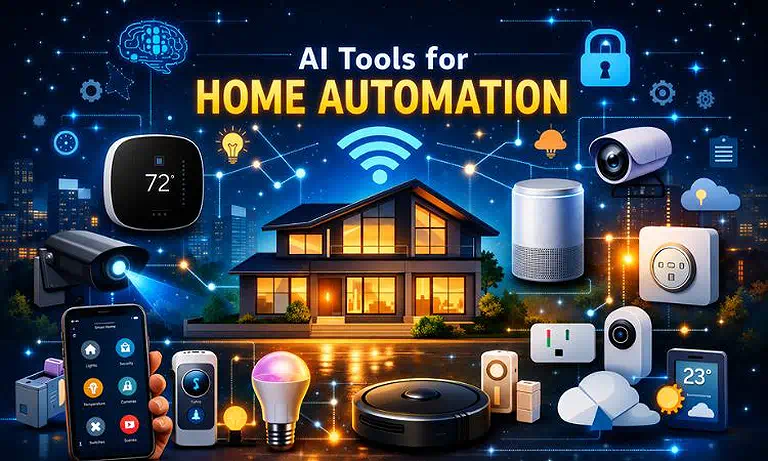
Cover Photo Transform Your Home with AI-Powered Automation Tools for Smarter, Safer Living
How Accurate and Safe Are AI Home Automation tools?
AI home automation tools are generally accurate for routine tasks like lighting, climate control, and security alerts, but their reliability depends on device quality, setup, internet stability, and home design, which can affect control efficiency and overall system performance. They are usually safe when properly configured, though privacy risks, hacking, and false triggers can still occur.
1 Google Home / Google Assistant
Google Home powered by Google Assistant is a central smart home hub enabling seamless voice control of devices, routines, and scheduling. It integrates with lights, thermostats, cameras, and speakers, uses natural language processing, learns habits, optimizes energy use, and supports third-party devices for automation convenience.
Key Features
- Voice-controlled smart home automation hub
- Integrates with lights, cameras, thermostats, and speakers
- Learns user habits and suggests smart routines
- Energy optimization with third-party device support
How to Operate Google Home / Google Assistant?
- Install Google Home app and sign in with Google account
- Connect smart devices like lights, cameras, and thermostats
- Use voice commands such as “Hey Google” for control
- Set up routines for automation and daily scheduling
Pros
- Simple hands-free voice control system
- Wide compatibility with smart home devices
- Learns behaviour for smarter automation
- Regular updates improve functionality and stability
Cons
- Requires a stable internet connection
- Occasional voice recognition errors
- Privacy concerns with voice data usage
- Some devices need manual configuration
Why I Chose Google Home / Google Assistant
Chosen for seamless smart home control, reliable automation, strong device compatibility, and intuitive voice-driven user experience.
Limitations
- Limited functionality without internet connection
- May misinterpret complex or unclear voice commands
- Regional features and integrations may vary
Pricing Plan
Google Home is free with Google account for basic control. Paid smart integrations available via compatible premium devices and services.
Smart Alternative
Amazon Alexa, Apple Siri, Samsung SmartThings, IFTTT.
Google Home / Google Assistant Home page
2 Amazon Alexa
Amazon Alexa is a versatile AI voice assistant powering Echo devices and enabling smart home automation through voice control. It manages lights, locks, thermostats, and appliances, supports routines, skills, and Amazon services, and learns user preferences to deliver personalised, hands-free home experiences.
Key Features
- Voice-controlled smart home automation via Echo devices
- Extensive Alexa Skills library for added functionality
- Supports routines for multi-device automation
- Integrates with Amazon services and third-party devices
How to Operate Amazon Alexa?
- Set up the Alexa app and connect the Echo or compatible devices
- Link smart home devices like lights and thermostats
- Use voice commands starting with “Alexa.”
- Create routines for automation and daily tasks
Pros
- Highly versatile voice assistant system
- Massive ecosystem of compatible devices
- Strong automation and routine customisation
- Continuous AI learning improves personification
Cons
- Requires internet for full functionality
- Privacy concerns with always-on listening
- Some skills require third-party setup
- Occasional misinterpretation of voice commands
Why I Chose Amazon Alexa
Chosen for seamless voice control, vast skills library, strong Amazon integration, and reliable multi-device smart home automation.
Limitations
- Limited offline functionality without internet
- Skill quality varies by developer
- Some advanced features require subscriptions
Pricing Plan
Free with Alexa-enabled devices for basic voice control. Paid subscriptions unlock premium skills and advanced integrations.
Smart Alternative
Home Assistant, OpenHAB, Hubitat Elevation, Tuya Smart
3 IFTTT (If This Then That)
IFTTT is versatile AI automation platform enabling users to create applet-based workflows connecting smart devices and online services using conditional logic. It supports triggers and actions across hundreds of apps and devices, enabling smart home automation, notifications, and productivity workflows without coding expertise.
Key Features
- Conditional “if-this-then-that” automation logic system
- Supports cross-platform integration across devices and apps
- Custom applets for smart home and productivity tasks
- Works with sensors, emails, calendars, and cloud services
How to Operate IFTTT?
- Create an IFTTT account and log in to dashboard
- Choose or build applets using trigger and action setup
- Connect smart devices and online services
- Activate applets to run automated workflows
Pros
- No coding required for automation creation
- Supports wide range of apps and smart devices
- Highly flexible and customizable workflows
- Easy setup for beginners and tech users
- Cons
- Some advanced features require paid plan
- Occasional delays in automation execution
- Limited offline functionality
- Dependence on third-party service stability
Why I Chose IFTTT
Chosen for powerful no-code automation, seamless cross-platform integration, and highly customizable smart home workflows.
- Limitations
- Free version has restricted applet usage
- Automation speed may vary with internet quality
- Complex workflows can become difficult to manage
Pricing Plan
Free plan allows basic applets with limited features. Paid plan unlocks advanced multi-step automation and premium integrations.
Smart Alternative
Zapier, Home Assistant, Microsoft Power Automate, Node-RED
IFTTT (If This Then That) Source page
4 Home Assistant
Home Assistant is an open-source home automation platform focused on privacy, local control, and deep customisation. It runs on local hardware like Raspberry Pi or home servers, enabling secure automation of lights, sensors, thermostats, and cameras through a unified, highly flexible dashboard.
Key Features
- Local-first smart home automation for privacy and security
- Supports hundreds of device integrations and platforms
- Advanced rule-based automation with triggers and conditions
- customizable dashboards with community add-ons
How to Operate Home Assistant?
- Install on Raspberry Pi, PC, or home server
- Connect smart devices through integrations
- Configure dashboards and automation rules
- Create triggers based on time, state, or sensors
Pros
- Strong privacy with local data processing
- Highly customizable automation system
- Large community and add-on ecosystem
- Works with a wide range of smart devices
Cons
- Requires technical setup knowledge
- Initial configuration can be complex
- Maintenance may require manual updates
- Not beginner-friendly compared to plug-and-play tools
Why I Chose Home Assistant
Chosen for its unmatched privacy, local control, and powerful customisation for advanced smart home automation needs.
Limitations
- Steep learning curve for beginners
- Needs dedicated hardware or server setup
- Some integrations require manual configuration
Pricing Plan
Core platform is free and open-source. Optional paid cloud services available for remote access and backups.
Smart Alternative
IFTTT, Google Home, Amazon Alexa, Samsung SmartThings
5 Apple Siri
Apple Siri is Apple’s built-in voice assistant designed for smart control, automation, and hands-free interaction across iPhone, iPad, Mac, Apple Watch, and Home Kit-enabled smart home devices. It enables voice commands, personification, and ecosystem-wide automation within Apple’s environment.
Key Features
- Voice-controlled assistant across Apple devices
- Deep integration with Home Kit smart home ecosystem
- Supports reminders, messaging, calls, and scheduling
- Context-aware suggestions and personalisation
How to Operate Apple Siri?
- Activate Siri via voice command “Hey Siri” or button press
- Connect Home Kit-compatible smart home devices
- Use voice commands to control devices and tasks
- Set up shortcuts for automation and routines
Pros
- Strong privacy and on-device processing
- Seamless integration across the Apple ecosystem
- Easy to use with natural voice commands
- Reliable performance on Apple devices
Cons
- Limited to the Apple ecosystem for full functionality
- Fewer third-party integrations than competitors
- Requires Apple devices for the best experience
- Less flexible for advanced automation
Why I Chose Apple Siri
Chosen for its smooth Apple ecosystem integration, strong privacy features, and simple voice-based smart home control.
Limitations
- Works best only within the Apple ecosystem
- Limited customisation compared to open platforms
- Restricted compatibility with non-Home Kit devices
Pricing Plan
Apple Siri is free and built into Apple devices with no additional subscription required for core features.
Smart Alternative
Google Assistant, Amazon Alexa, Home Assistant, IFTTT
Apple Siri Home page
6 August Smart Lock + App Automation
Here is the text with the requested anchor text integrated naturally:
August Smart Lock combines AI-driven automation with secure access control, enabling homeowners to lock and unlock doors through an app or voice assistants. While it is designed for residential use rather than high-level AI tools for defence system applications, it supports advanced geolocation, scheduling, and guest access, integrating seamlessly with smart home ecosystems to enable automated security and convenience.
Key Features
- App-based remote locking and unlocking control
- Geo-location-based auto-unlock and auto-lock
- Guest access management with temporary permissions
- Integration with Alexa, Google Assistant, and Home Kit
How to Operate August Smart Lock
- Install the August app and connect the smart lock
- Pair lock with WiFi bridge or Bluetooth connection
- Enable Geo location or scheduling for automation
- Use voice assistants for hands-free door control
Pros
- Strong, smart security with remote access control
- Easy integration with major voice assistants
- Convenient guest access management
- Enhances overall smart home automation
Cons
- Requires a stable internet or Bluetooth connection
- Battery replacement is needed periodically
- Full features may require an additional bridge device
- Limited functionality without smartphone access
Why I Chose August Smart Lock + App Automation
Chosen for reliable smart security, seamless automation, and convenient remote access control for modern smart homes.
Limitations
- Dependent on battery power and app connectivity
- Advanced features may need extra hardware
- Performance can vary with WiFi stability
Pricing Plan
One-time purchase for a smart lock device with optional accessories. No mandatory subscription for core features, but some advanced services may require add-ons.
Smart Alternative
Schlage Encode, Yale Assure Lock, Google Nest x Yale Lock, Level Lock+
7 Ecobee Smart Thermostat
Ecobee Smart Thermostat is an AI-driven climate control device that adapts temperature settings using occupancy sensors, weather data, and user behaviour patterns. It enables automated scheduling, voice control, and smart energy optimisation for improved comfort and efficiency in modern smart homes through AI tools for environment control that help regulate temperature, reduce energy waste, and maintain ideal indoor conditions.
Key Features
- AI-based adaptive temperature control using occupancy sensors
- Integration with weather forecasts for smart adjustments
- Voice control support via Alexa and other assistants
- Energy-saving automation and smart scheduling routines
How to Operate the Ecobee Smart Thermostat
- Install and connect the thermostat to the HVAC system
- Set up the Ecobee app and configure the WiFi connection
- Add sensors for room occupancy detection
- Use an app or a voice assistant for temperature control
Pros
- Excellent energy efficiency and cost savings
- Smart occupancy-based automation
- Easy mobile and voice control
- Strong smart home integration support
Cons
- Requires a compatible HVAC system
- Initial setup may take time
- Some advanced features depend on sensors
- Internet required for full functionality
Why I Chose the Ecobee Smart Thermostat
Chosen for its intelligent energy optimisation, accurate climate automation, and seamless smart home integration.
Limitations
- Works only with supported H VAC systems
- Advanced automation needs additional sensors
- Reduced functionality without internet access
Pricing Plan
One-time purchase device with optional sensor add-ons. No mandatory subscription for core features, but premium services may be available.
Smart Alternative
Google Nest Thermostat, Honeywell Home T9, Emerson Sensi Smart Thermostat, Tado Smart Thermostat7
8 Ring Alarm + Smart Security
Ring Alarm is an AI-powered home security ecosystem combining sensors, cameras, and alarms for intelligent protection and automation. It detects motion, recognises activity patterns, and sends real-time alerts. Integrated with voice assistants, it can trigger routines like lighting control and system arming for enhanced smart home safety through AI tools for cybersecurity that strengthen protection, reduce risks, and improve real-time threat response.
Key Features
- AI-powered motion detection and smart alerts system
- Integrated cameras, sensors, and alarm network
- Supports automation with lighting and security routines
- Voice assistant compatibility for hands-free control
How to Operate Ring Alarm + Smart Security?
- Install the Ring app and connect the security base station
- Add sensors, cameras, and motion detectors
- Configure alerts, zones, and automation settings
- Link with Alexa or smart hub for voice control
Pros
- Strong real-time home security monitoring
- Smart automation with reduced false alerts
- Easy mobile app control and setup
- Seamless integration with smart home systems
Cons
- Requires a stable internet connection
- Subscription needed for advanced features
- Limited offline functionality
- Hardware installation may require effort
Why I Chose Ring Alarm + Smart Security
Chosen for intelligent home protection, reliable alerts, and seamless smart automation across connected security devices.
Limitations
- Advanced features depend on a paid subscription
- Internet outage reduces system effectiveness
- Some devices require professional setup
Pricing Plan
The basic kit requires a one-time purchase and includes limited features. Premium subscription unlocks cloud storage, alerts, and advanced monitoring tools.
Smart Alternative
SimpliSafe, Google Nest Secure, Arlo Security System, Abode Security System
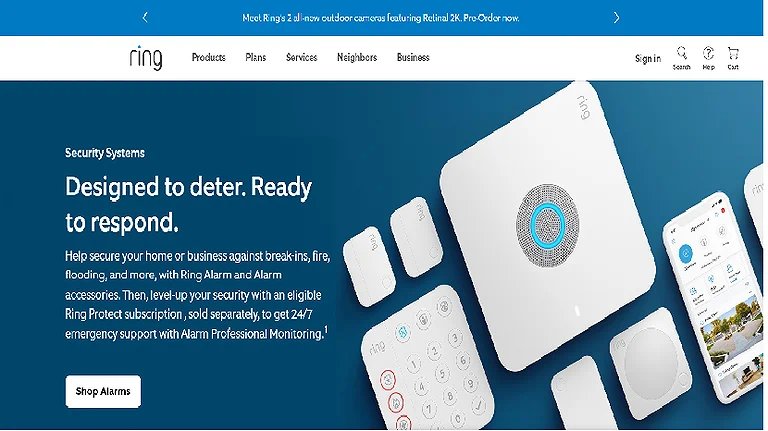
Ring Alarm + Smart Security Home Page
9 Arlo Smart Cameras
Arlo Smart Cameras use AI-based motion detection and object recognition to improve home monitoring and security automation. They can distinguish people, pets, and vehicles, sending accurate alerts while reducing false notifications. Integrated with major smart home platforms, they enable automated security responses and real-time surveillance control.
Key Features
- AI motion detection with object recognition (people, pets, vehicles)
- High-quality live video streaming and cloud recording
- Smart alerts with reduced false notifications
- Integration with Alexa, Google Home, and IFTTT
How to Operate Arlo Smart Cameras?
- Install the Arlo app and create an account
- Connect cameras to Wi-Fi and sync with the app
- Mount cameras in indoor or outdoor locations
- Configure motion zones, alerts, and automation rules
Pros
- Accurate AI-based motion detection system
- Strong integration with smart home platforms
- Easy mobile app control and monitoring
- Suitable for both indoor and outdoor security
Cons
- Requires stable internet connection
- Subscription needed for full cloud features
- Battery charging required for wireless models
- Limited functionality without app access
Why I Chose Arlo Smart Cameras
Chosen for intelligent monitoring, accurate AI detection, and seamless integration with smart home security systems.
Limitations
- Advanced features depend on a paid subscription
- Performance relies on WiFi stability
- Battery-powered models require regular charging
Pricing Plan
Hardware requires one-time purchase with optional subscription for cloud storage, AI detection, and advanced security features.
Smart Alternative
Ring Cameras, Google Nest Cam, Eufy Security Cameras, Blink Smart Cameras
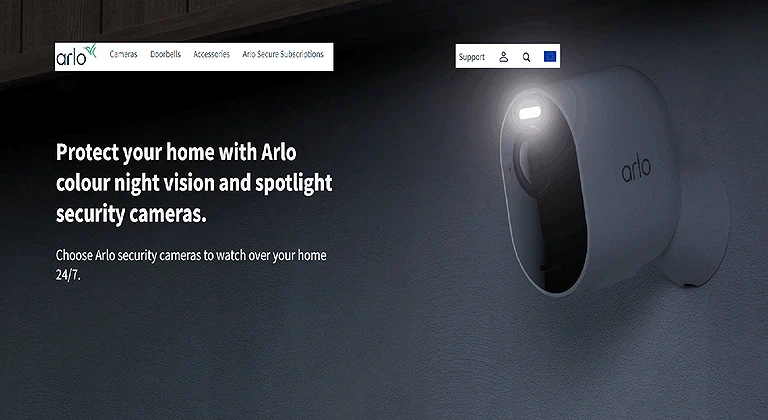
Arlo Smart Cameras Official source
10 Philips Hue + Hue Bridge
Philips Hue + Hue Bridge is an AI-enhanced smart lighting system enabling automated control of bulbs, scenes, and routines through the Hue Bridge. It supports scheduling, motion-based triggers, voice assistants, and third-party integrations, delivering responsive, energy-efficient, and highly customizable smart home lighting experiences.
Key Features
- Smart lighting automation with customizable scenes and schedules
- Hue Bridge connects multiple bulbs and accessories
- Motion-based and sunset-triggered lighting routines
- Integration with Alexa, Google Assistant, and IFTTT
How to Operate Philips Hue + Hue Bridge?
- Install the Hue Bridge and connect it to the WiFi router
- Add Hue bulbs and accessories through the Hue app
- Configure lighting scenes, schedules, and automation rules
- Control lighting using an app or a voice assistant
Pros
- Highly customizable smart lighting ecosystem
- Smooth integration with major smart home platforms
- Energy-efficient lighting automation
- User-friendly app with advanced controls
Cons
- Hue Bridge is required for advanced features
- Higher cost compared to standard smart bulbs
- Internet is needed for remote access
- Some features depend on ecosystem compatibility
Why I Chose Philips Hue + Hue Bridge
Chosen for adaptive lighting automation, reliable smart controls, and seamless integration with modern smart home ecosystems.
Limitations
- Advanced automation requires Hue Bridge hardware
- Premium pricing for bulbs and accessories
- Limited functionality without compatible ecosystem devices
Pricing Plan
Basic smart bulbs require a one-time purchase with an optional Hue Bridge for advanced automation and multi-device smart control.
Smart Alternative
LIFX Smart Bulbs, Nanoleaf Lights, TP-Link Kasa Smart Lights, Govee Smart Lighting
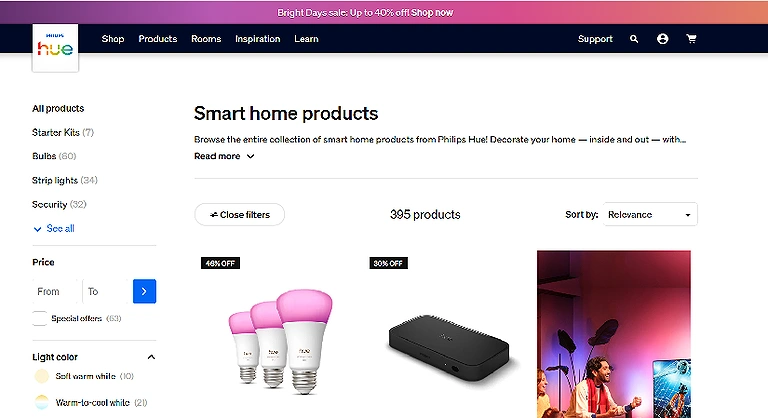
Philips Hue + Hue Bridge Official source image
Frequently Asked Questions
1. What are the benefits of using AI tools for home automation?
AI tools enhance convenience, security, and energy efficiency by automating lighting, climate control, and security systems, making homes smarter and more responsive.
2. Which AI tools are best for voice-activated home automation?
Top voice-activated options include Google Home, Amazon Alexa, and Apple Siri/HomeKit, allowing seamless control of smart devices via natural language commands.
3. Can AI home automation tools save energy and reduce costs?
Yes, AI-powered thermostats, lighting, and smart routines optimize energy usage, adapting to user habits and environmental conditions to lower utility bills.
4. Are these AI tools compatible with multiple smart home devices?
Most platforms like Samsung SmartThings, IFTTT, and Home Assistant support diverse brands and ecosystems, enabling flexible integration across devices.
5. Is home automation with AI secure and privacy-focused?
Tools like HomeKit, Hubitat, and Home Assistant prioritize local execution and encryption, ensuring user data privacy while maintaining robust automation.
Conclusion
The best home automation systems demonstrate how artificial intelligence is revolutionising modern living spaces, providing seamless, smart, and automated environments that enhance daily convenience, security, and energy efficiency. From voice assistants like Google Home, Amazon Alexa, and Siri to AI-powered thermostats and smart lighting, these platforms rely on AI tools for data analysis to effortlessly monitor routines and automate tasks. By leveraging predictive learning and deep integration across ecosystems, these tools reduce manual intervention while tailoring automation to individual lifestyles. Adopting these advanced technologies allows users to create a responsive, future-ready home, turning everyday tasks into intuitive experiences and elevating the overall smart home ecosystem.