.webp)
Discover the Best AI Tools to Plan Your Perfect Trip in Minutes with Ease
Planning a trip can often feel overwhelming, from comparing flights and accommodations to organizing activities and staying within budget. AI tools for travel planners have emerged as a game-changing solution, offering personalized recommendations, optimized itineraries, and real-time updates. By analyzing your preferences, travel history, and budget, these platforms streamline the planning process and help you make smarter travel decisions without hours of research.
From family vacations and solo adventures to business trips and road trips, AI travel planners provide a tailored travel experience. With features like dynamic itinerary adjustments, multi-device access, and AI-powered insights, travelers can discover new destinations, find the best deals, and enjoy a hassle-free journey, making every trip more efficient, enjoyable, and memorable. It is suitable for business management to boost growth and production.

 Updated: May 01, 2026 | 13 min read
 | Best For | Pricing | Ease | |
| Google Travel | Trip planning & booking insights | Free | Beginner |
| Tripadvisor | Reviews & travel recommendations | Free | Beginner |
| iPlan AI | AI trip itinerary creation | Paid | Beginner |
| Travelmoji | Personalized trip suggestions | Free + Paid | Beginner |
| TripHobo | Travel itinerary planning | Free + Paid | Beginner |
| Layla | AI travel planner chatbot | Free + Paid | Beginner |
| Wonderplan | Smart travel itinerary builder | Free + Paid | Beginner |
| GuideGeek | AI travel guidance | Free + Paid | Beginner |
| TripBot | Travel planning assistant | Free + Paid | Beginner |
| Traivl | AI travel planning & optimization | Paid | Beginner |
| Wanderlog | Trip itinerary planner | Free + Paid | Beginner |

Cover Photo Discover the Best AI Tools to Plan Your Perfect Trip in Minutes with Ease
Why you should use an AI travel planner?
AI travel planners simplify trip planning by analysing your preferences and generating personalised recommendations for flights, stays, and activities. They process vast data quickly, uncover unique options, and provide real-time updates, making travel planning faster, smarter, and stress-free.
1 Google Travel
Google Travel uses AI to simplify trip planning by finding the best flight and hotel deals, organising bookings, and suggesting activities and restaurants. Its integration with Google services makes planning easy, efficient, and personalised for both short trips and detailed itineraries. It works best when paired with the latest AI language translation tools to help you navigate local menus and street signs effortlessly.
Google Travel
- Smart flight and hotel price tracking
- Personalised trip and activity suggestions
- Automatic booking organisation through Gmail
- Easy integration with Maps and Calendar
How to use Google Travel?
- Sign in with a Google account
- Search destinations, flights, or hotels
- Save bookings and create trip plans
- Explore nearby attractions and restaurants
Good points
- User-friendly and beginner-friendly interface
- Real-time travel updates and recommendations
- Free access to most core features
- Works smoothly across Google platforms
Shortcomings
- Limited customisation for advanced travellers
- Some pricing details may change quickly
- Requires the Google ecosystem for the best experience
- Fewer offline planning capabilities
Great For
Travellers need quick trip planning, booking organisation, destination discovery, and simple itinerary management across devices.
Challenges
- Heavy dependence on internet connectivity
- Limited support for niche travel planning
- Privacy concerns for data-conscious users
Pricing Options
Google Travel is free to use, while connected booking services, hotels, and airlines may include separate paid costs.
Smarter Option
TripIt, Hopper, Kayak, Skyscanner
2 TripAdvisor
Tripadvisor uses AI-powered planning tools to create personalized travel itineraries based on destination preferences, reviews, and traveler interests. It offers day-by-day recommendations for hotels, attractions, restaurants, and activities while allowing users to edit, organize, and share plans for smoother and more enjoyable travel experiences.
Tripadvisor
- AI-generated personalized travel itineraries
- Massive collection of traveler reviews and ratings
- Easy itinerary editing and sharing features
- Helpful recommendations for attractions and dining
How to use Tripadvisor?
- Enter your destination and travel dates
- Add preferences and travel interests
- Review the suggested itinerary plans
- Edit, save, and share your schedule
Good points
- Huge database of travel reviews
- Personalized and flexible trip planning
- Useful attraction and restaurant suggestions
- Simple interface for quick navigation
Shortcomings
- Some reviews may feel outdated
- AI suggestions can be repetitive
- Premium booking prices vary frequently
- Overwhelming options for some users
Great For
Travelers want personalized itineraries, trusted reviews, destination recommendations, and flexible planning tools for vacations and trips.
Challenges
- Requires review filtering for accuracy
- Suggestions may lack hidden local spots
- Heavy reliance on user-generated content
Pricing Options
Tripadvisor is free for planning and reviews, while hotels, bookings, and premium travel services involve separate costs.
Smarter Option
Roadtrippers, Wanderlog, TripIt, Expedia
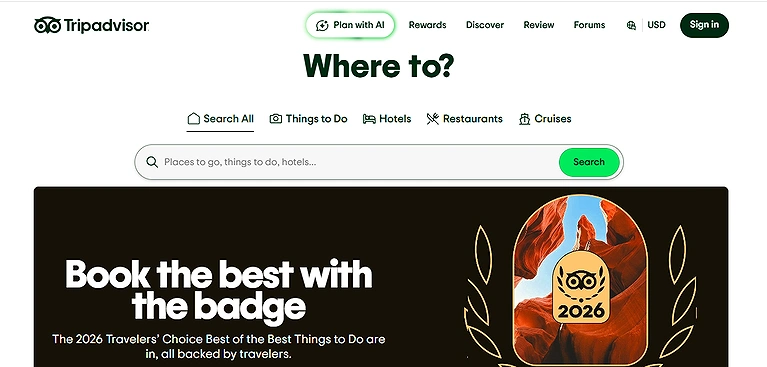
Tripadvisor official source image
3 iPlan AI
iPlan AI transforms trip planning with personalised itineraries based on your preferences, budget, and interests. It offers real-time updates, collaboration tools, multi-device sync, and budget tracking. Free on web, with mobile plans starting at $9.99/month for more advanced features and support. Wonder plan treats your vacation time like a high-performance calendar, applying the same optimisation logic found in the best AI tools for time management to ensure you don't waste a minute.
What Makes iPlan AI Special?
- Personalized AI-generated travel itineraries
- Budget tracking and expense management
- Real-time updates and trip adjustments
- Multi-device sync with collaboration features
How to use iPlan AI?
- Enter destination and travel preferences
- Set your budget and interests
- Review the generated itinerary plans
- Sync and manage trips across devices
Good points
- Smart itinerary customization options
- Helpful collaboration and sharing tools
- Budget-friendly trip organization features
- Smooth synchronization across platforms
Shortcomings
- Advanced features require paid plans
- Limited offline accessibility options
- Suggestions may need manual adjustments
- Mobile features vary by subscription tier
Great For
Travelers want AI-powered itinerary planning, budget tracking, collaborative scheduling, and efficient multi-device vacation management tools.
Challenges
- Requires internet for live updates
- Premium plans increase monthly costs
- AI recommendations may lack flexibility
Pricing Options
iPlan AI offers free web access, while premium mobile plans start around $9.99 monthly for advanced features.
Smarter Option
Wanderlog, Sygic Travel, TripHobo, Roadtrippers
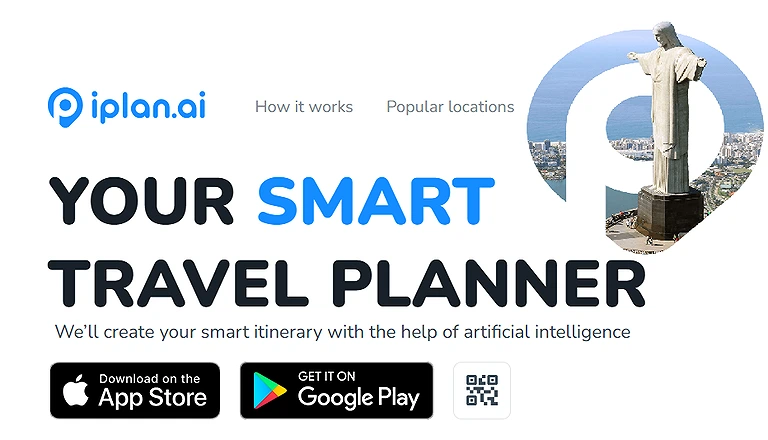
iPlan AI Official source image
4 Travelmoji
Travelmoji is an AI-powered travel assistant that simplifies trip planning with personalized itineraries, tailored recommendations for hotels and dining, and smart travel tips. It also supports bookings, comparisons, and expense tracking, helping users stay organised while keeping travel planning budget-friendly and easy to manage on one platform.
What Makes Travelmoji Special?
- AI-driven personalised travel itineraries
- Smart recommendations for stays and dining
- Built-in expense tracking and budgeting tools
- Booking and comparison features in one platform
How to use Travelmoji?
- Enter your destination and travel preferences
- Explore AI-generated itinerary suggestions
- Compare hotels, dining, and travel options
- Track expenses and finalize bookings
Good points
- Easy-to-use and beginner-friendly interface
- Strong personalization for travel planning
- Combines booking and budgeting tools
- Free access for core features
Shortcomings
- Limited offline functionality
- Some recommendations may lack depth
- Advanced features may require updates
- Depends heavily on internet connectivity
Great For
Travelers wanting simple AI-based planning, booking support, budget tracking, and personalized travel suggestions in one tool.
Challenges
- Accuracy depends on available data
- May miss niche or hidden travel spots
- Requires stable internet for full use
Pricing Options
Travelmoji offers a free plan with core features, while some advanced booking or premium tools may include paid upgrades.
Smarter Option
Wanderlog, TripIt, Expedia, Roadtrippers
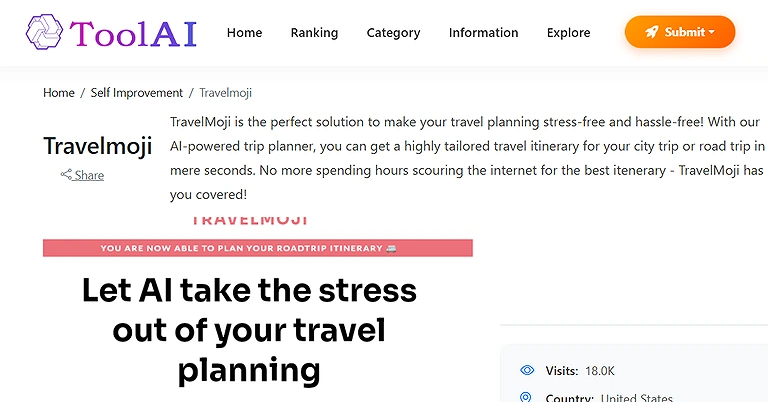
Travelmoji Official source image
5 TripHobo
TripHobo is an AI-based trip planner that helps users create customizable itineraries with ease. It supports collaborative planning with friends and family and uses a large database of attractions and hotels to offer informed choices, templates, and real-time recommendations for a smooth, interactive travel planning experience. The map customisation features in Trip Hobo allow you to create beautiful visual guides, utilising tech similar to AI graphic creation tools used for professional layout design.
What Makes TripHobo Special?
- AI-powered customizable itinerary builder
- Large database of attractions, hotels, and activities
- Collaborative planning with friends and family
- Pre-designed travel templates with smart suggestions
How to use TripHobo?
- Enter your destination and travel dates
- Choose attractions, hotels, and activities
- Customize your itinerary using templates
- Share or collaborate with other travelers
Good points
- Easy drag-and-drop itinerary customization
- Strong collaboration features for group travel
- Wide selection of travel destinations and options
- Helpful pre-built travel templates
Shortcomings
- Interface can feel slightly complex for beginners
- Some features require manual adjustments
- Limited offline planning support
- Recommendations may vary in accuracy
Great For
Travelers wanting collaborative trip planning, customizable itineraries, and structured travel organization tools for group or solo trips.
Challenges
- Requires internet for real-time updates
- Too many options can feel overwhelming
- Some data may not reflect latest changes
Pricing Options
TripHobo offers free basic trip planning, while advanced features and enhanced customization may require paid upgrades.
Smarter Option
Wanderlog, TripIt, Roadtrippers, Sygic Travel
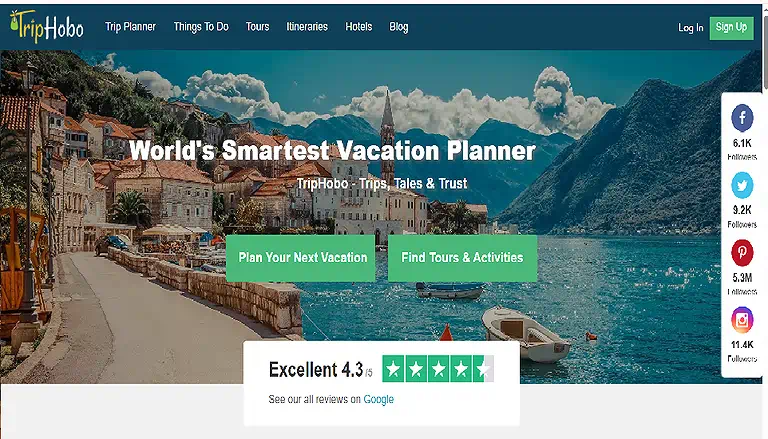
TripHobo Home page
6 Layla (Roam Around)
Layla (formerly Roam Around) is an AI travel planner that offers personalised trip suggestions and seamless booking through partners like Sky scanner and Booking.com. With in-destination support and an easy planning process, travel is convenient, efficient, and stress-free—all for free. Once Layla generates your dream itinerary, you can easily turn those visual highlights into a travel vlog using our recommended AI tools for video creation.
What Makes Layla Special?
- AI-generated personalized travel itineraries
- Seamless booking via travel partners
- In-destination travel support and guidance
- Fast and simple trip planning experience
How to use Layla?
- Enter your destination and travel preferences
- Get AI-generated itinerary suggestions
- Compare and book flights or hotels
- Use in-destination guidance during travel
Good points
- Very quick itinerary generation
- Easy booking integration with partners
- Free to use for basic planning
- Helpful support during trips
Shortcomings
- Limited deep customization options
- Relies on partner platforms for bookings
- May not suit complex travel needs
- Requires internet for full functionality
Great For
Travelers wanting fast AI trip planning, easy booking options, and simple in-destination travel guidance.
Challenges
- Dependent on third-party booking services
- Limited offline usability
- Less control over detailed itinerary design
Pricing Options
Layla is free to use, with bookings and partner services like flights or hotels charged separately by providers.
Smarter Option
Wanderlog, TripIt, TripHobo, Sygic Travel
7 Wonderplan
Wonderplan is an intuitive AI trip planner that creates personalised itineraries based on your interests and budget. It offers accommodation suggestions, real-time collaboration, and offline access via downloadable plans, making travel planning easy, flexible, and well-organised—all for free.
Key Features
1. Personalised accommodation recommendations
2. AI-driven itinerary adjustment and management
3. Offline access with downloadable PDFs
4. Real-time collaboration and chat support
5. Customizable itineraries tailored to interests and budget
Use Cases
1. Planning solo trips with personalised lodging options
2. Coordinating group travel with real-time collaboration
3. Managing itineraries offline for remote locations
4. Adjusting travel plans dynamically based on preferences
5. Creating budget-friendly, customised trip schedules

Wonderplan Home page
8 GuideGeek
GuideGeek is a fast AI travel assistant that creates personalised itineraries, helps find and compare accommodations, and suggests dining and entertainment options. It also provides route planning, cultural insights, and safety information, making trip planning smooth, informed, and completely free. The organisational structure of Wanderlog is highly intuitive, using a logic similar to the AI tools that university students use to manage complex research projects and study schedules.
What Makes GuideGeek Special?
- Fast AI-generated personalized travel itineraries
- Accommodation comparison and smart suggestions
- Cultural insights and travel safety guidance
- Dining and entertainment recommendations in one place
How to use GuideGeek?
- Start a chat or enter your travel destination
- Share your preferences and travel goals
- Review itinerary, hotel, and activity suggestions
- Save or adjust your plan for final travel use
Good points
- Very fast AI response and planning
- Free access to core travel features
- Strong cultural and safety insights
- Helpful accommodation and dining suggestions
Shortcomings
- Limited advanced customization options
- Depends on internet for real-time updates
- May miss highly niche local experiences
- Booking features may rely on third parties
Great For
Travelers needing quick AI trip planning, cultural insights, accommodation help, and simple itinerary creation.
Challenges
- Accuracy depends on available travel data
- Limited offline functionality
- Less control over deep itinerary customization
Pricing Options
GuideGeek is completely free to use, with no subscription required for core travel planning features.
Smarter Option
Wanderlog, TripIt, TripHobo, Layla
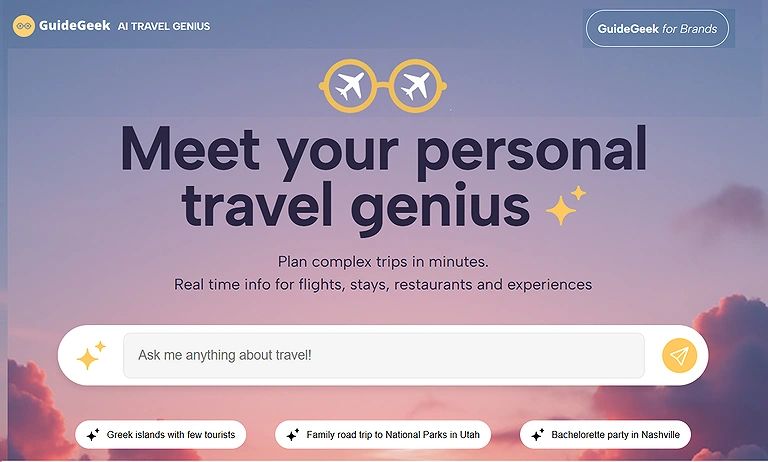
GuideGeek Home page
9 TripBot
TripBot is an AI travel planning platform that creates personalized itineraries, optimizes travel routes, and recommends attractions and hotels. Built with Google Maps integration, it provides an interactive and visual way to plan trips, helping users organize travel efficiently while exploring destinations in a streamlined and intelligent interface.
What Makes TripBot Special?
- AI-powered personalized itinerary creation
- Smart route optimization using map integration
- Hotel and attraction recommendations
- Interactive Google Maps-based trip visualization
How to use TripBot?
- Enter your destination and travel preferences
- Explore AI-generated itinerary suggestions
- Adjust routes, hotels, and attractions on the map
- Save or export your finalized travel plan
Good points
- Strong visual map-based planning interface
- Intelligent route optimization features
- Personalized travel recommendations
- Easy-to-use and interactive design
Shortcomings
- Limited publicly available pricing details
- May depend heavily on Google Maps data
- Some features may require refinement
- Limited offline functionality
Great For
Travelers who prefer map-based planning, route optimization, and AI-driven itinerary suggestions for efficient trip organization.
Challenges
- Requires internet for full map functionality
- Unclear pricing structure for users
- May lack deep customization options
Pricing Options
Pricing details are currently not publicly available, though basic access may be free with potential premium features in the future.
Smarter Option
Wanderlog, TripIt, TripHobo, Layla
10 TripIt
TripIt is an AI-powered travel organizer that automatically creates structured itineraries by scanning emails and booking confirmations. It helps users manage flights, hotels, car rentals, and activities in one place, providing real-time alerts, schedule updates, and a clear travel timeline for stress-free and organized trip management.
What Makes TripIt Special?
- Automatic itinerary creation from email confirmations
- Centralized management of flights, hotels, and bookings
- Real-time alerts for delays and schedule changes
- Clean and organized travel timeline view
How to use TripIt?
- Sign up and connect your email account
- Forward booking confirmations to TripIt
- Let the app auto-generate your itinerary
- Access and manage your travel plans anytime
Good points
- Extremely easy automated itinerary building
- Keeps all travel plans in one place
- Helpful real-time travel alerts
- Works across multiple devices
Shortcomings
- Advanced features require paid Pro plan
- Limited manual itinerary customization
- Relies heavily on email-based bookings
- Some features are locked behind subscription
Great For
Travelers wanting automatic itinerary organization, booking management, and real-time travel updates in one simple app.
Challenges
- Requires consistent email-based bookings
- Premium features are paid
- Less flexible for manual trip planning
Pricing Options
TripIt offers a free basic version, while TripIt Pro unlocks advanced alerts, seat tracking, and premium travel features via subscription.
Smarter Option
Wanderlog, Roadtrippers, Sygic Travel, TripHobo
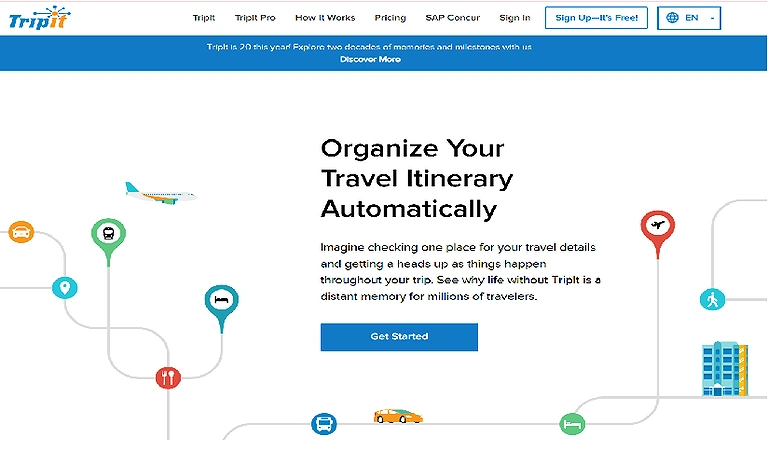
TripIt Official source image
11 Wanderlog
Wanderlog is an all-in-one travel planning tool that helps organize flights, hotels, and daily activities. It uses AI to suggest optimized routes and personalized plans, with features like multi-destination planning, expense tracking, and offline access, making trip planning efficient and flexible for any type of journey.
Key Features
1. AI-driven optimized routes for efficient travel
2. Multi-destination trip planning support
3. Expense tracking for budgeting trips
4. Offline access to itineraries for convenience
5. Personalized suggestions based on traveler preferences
Use Cases
1. Planning multi-city vacations with optimized routes
2. Organizing daily activities and sightseeing efficiently
3. Tracking expenses across long trips
4. Accessing itineraries offline while traveling
5. Customizing travel plans based on personal preferences
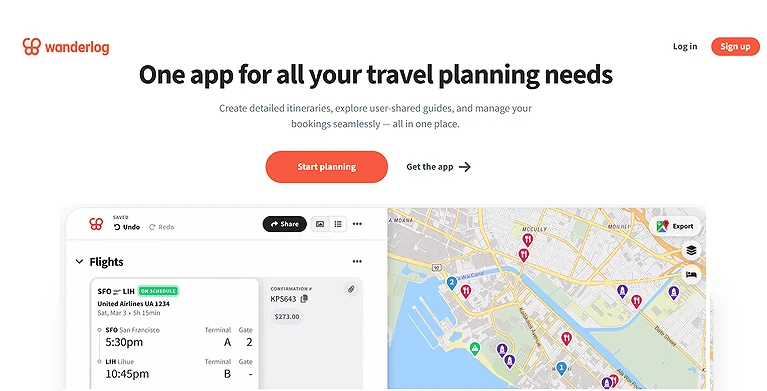
Wanderlog Home page
FAQ
What are AI travel planners, and how do they help?
Disadvantages, drawbacks, weaknesses, limitations, downsides, negative aspects, flaws, problems, risks, shortcomings, constraints, trade-offs, challenges, issues.
Can AI travel planners save time compared to traditional planning?
AI travel tools like iPlan AI, TripHobo, and AI4Trips create personalized itineraries, save time, and simplify bookings.
Do AI travel planners work for different types of trips?
Whether family vacations, solo trips, business travel, road trips, or multi-city plans, Skoot, Roadtrippers, and Wanderlog offer tailored planning solutions.
Are AI travel planners accessible on multiple devices?
Most tools like iPlan AI, Travelmoji, and Trip Planner AI support web and mobile use, with sync, offline access, and interactive maps.
How do AI tools ensure my travel preferences are respected?
AI travel planners analyse past trips, preferences, and feedback to deliver personalised itineraries, adaptive changes, and tailored recommendations within budget and interests.
Conclusion
AI travel planners analyze your past trips, preferences, and real-time feedback to create highly personalized itineraries. They continuously adapt plans based on changing conditions and user input, offering tailored recommendations that match your budget, interests, and travel style. This ensures smarter planning, better experiences, and more efficient decision-making for every trip. To learn more about maintaining your peak performance and well-being between your travels, explore our comprehensive guide to AI mental health tools for a balanced lifestyle. and AI environmental monitoring tools to discover how intelligent platforms help track climate conditions, monitor ecosystems, and support more sustainable decision-making worldwide.