.webp)
The Ultimate List of AI Tools for Effortless TikTok Management & Growth
Growing on TikTok takes more than posting random videos it requires smart content planning, trend analysis, engaging captions, and consistent audience interaction. Modern AI-powered platforms now help creators and brands automate editing, schedule posts, generate ideas, and improve performance faster while saving valuable time, effort, and creative energy daily. These tools also enhance consistency, improve content quality, and support data-driven decision-making for long-term growth and stronger audience engagement.
Whether you are a beginner creator, influencer, or business owner, the right AI solutions can simplify TikTok marketing and accelerate audience growth. From viral video generation to analytics tracking and automated content optimization, these advanced tools help users increase reach, boost engagement, and build a stronger presence in today’s competitive TikTok landscape. When managing a growing channel, leveraging AI tools for social media is essential for tracking engagement, analyzing performance trends, optimizing posting schedules, and improving overall content strategy effectively.

 Updated: May 17, 2026 | 15 min read
 | Tool Name | Use Case | Cost | Usability Level |
| AdStellar AI | Ad creation & optimization | Paid | Easy |
| Sprout Social | Social media management & analytics | Paid | Moderate |
| Crayo AI | Short-form video creation | Freemium | Easy |
| Captions App | Auto captions & video editing | Freemium | Easy |
| PostEverywhere | Cross-platform post scheduling | Paid | Easy |
| Synthesia | AI avatar videos & presentations | Paid | Moderate |
| Opus Clip | Long-to-short video repurposing | Freemium | Easy |
| Submagic | Viral caption & subtitle generation | Paid | Easy |
| Kapwing | Online video editing suite | Freemium | Easy |
| Spikes Studio | Content clipping & automation | Freemium | Easy |
| SendShort | Short-form video automation | Paid | Easy |
| Repurpose.io | Content repurposing & automation | Paid | Easy |
| Renderforest | Video creation & branding tools | Freemium | Easy |
| Vidu AI | AI text/image to video generation | Freemium | Easy |
Cove Photo The Ultimate List of AI Tools for Effortless TikTok Management & Growth
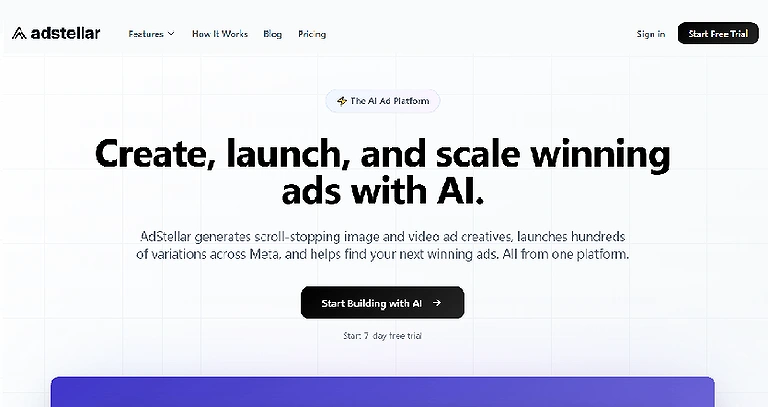
1 AdStellar AI
AdStellar AI helps marketers create engaging TikTok video ads with AI-powered automation. It generates native-style video creatives, simplifies campaign management, and reduces editing time and production costs, allowing teams to launch high-performing social media ads quickly without requiring professional production crews or advanced video editing expertise.
Key Features
- Generates TikTok-style AI video ads automatically
- Creates scroll-stopping video creatives quickly
- Supports campaign management and optimisation
- Produces native-looking social media advertisements
How to use AdStellar AI?
- Upload product details, images, or marketing content
- Select video style, audience, and campaign preferences
- Generate AI-powered TikTok video creatives instantly
- Review, edit, and launch campaigns directly
Pros
- Saves video production time significantly
- Reduces the need for professional editing teams
- Creates platform-optimised TikTok ads
- Easy for beginners and marketing teams
Cons
- Limited customisation for advanced creators
- AI-generated videos may feel repetitive
- Primarily focused on TikTok-style advertising
- Premium features may require paid plans
Best For
Small businesses, marketers, and social media teams need fast, affordable, high-converting TikTok advertising content creation.
Limitations
- Limited support for non-short-form advertising platforms
- Creative control may be lower than manual editing
- Performance still depends on the quality of audience targeting
Pricing Plan
Offers limited free access with paid plans providing advanced video generation, campaign tools, and premium templates.
Clever Replacement
Creatify AI, Arcads AI, Pencil AI, InVideo AI
AdStellar AI Official page
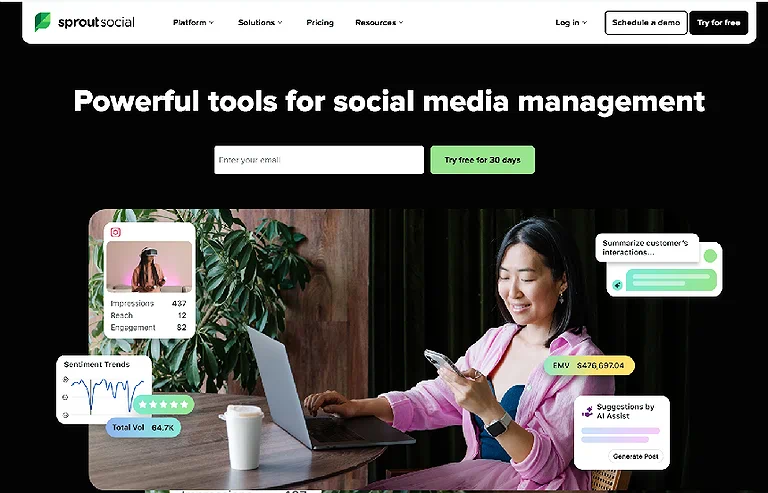
2 Sprout Social
Sprout Social helps agencies and enterprises manage multiple TikTok accounts with advanced analytics, competitor benchmarking, and AI-powered caption assistance. It simplifies content scheduling, performance tracking, and social media management, enabling teams to optimize TikTok marketing strategies and improve audience engagement across campaigns efficiently.
Key Features
- Advanced TikTok analytics and reporting
- Competitor benchmarking and performance insights
- AI Assist for caption refinement
- Multi-account social media management tools
How to use Sprout Social?
- Connect TikTok and other social media accounts
- Monitor analytics and audience engagement metrics
- Use AI Assist to improve captions and content
- Schedule, manage, and optimize campaigns efficiently
Pros
Excellent analytics and reporting capabilities
Supports multiple social media accounts
AI tools improve content quality
Useful for agencies and large teams
Cons
- Expensive for small businesses or beginners
- Advanced features may require learning time
- Limited creative video editing functionality
- Best performance depends on connected platform data
Best For
Agencies and enterprise marketing teams managing multiple TikTok accounts, analytics, scheduling, and large-scale content strategies efficiently.
Limitations
- Not primarily designed for direct video creation
- Premium pricing may not suit smaller creators
- Some advanced tools require higher-tier subscriptions
Pricing Plan
Offers free trials with paid subscription plans providing analytics, AI tools, scheduling, and enterprise collaboration features.
Clever Replacement
Hootsuite, Buffer, Later, SocialPilot
3 Crayo AI
Crayo AI automates bulk TikTok video creation for faceless content accounts and high-volume creators. It generates AI voiceovers, captions, visuals, and background videos quickly, helping users produce engaging short-form content efficiently while reducing manual editing effort and improving watch-time performance on social media platforms.
Key Features
- Batch TikTok video generation
- AI voiceover and auto-caption creation
- Background video and AI image generation
- Streamlined short-form content workflows
How to use Crayo AI?
- Upload scripts, ideas, or content prompts
- Choose AI voice, captions, and visual settings
- Generate videos in bulk automatically
- Edit, export, and publish TikTok content quickly
Pros
- Excellent for bulk video production
- Automates repetitive editing tasks
- Supports engaging captions and voiceovers
- Saves significant content creation time
Cons
- No permanent free plan available
- Some videos may require manual polishing
- Advanced tools locked behind higher tiers
- Focuses mainly on short-form content
Best For
Content creators, faceless TikTok accounts, and marketers producing high-volume short-form videos with automated workflows efficiently.
Limitations
- Video quality may vary for highly creative projects
- Limited customization compared to professional editing software
- Advanced export and automation tools require premium plans
Pricing Plan
Offers a 14-day trial with Hobby, Clipper, and Pro plans based on exports and usage limits.
Clever Replacement
Pictory AI, Kapwing, VEED.IO, Fliki AI
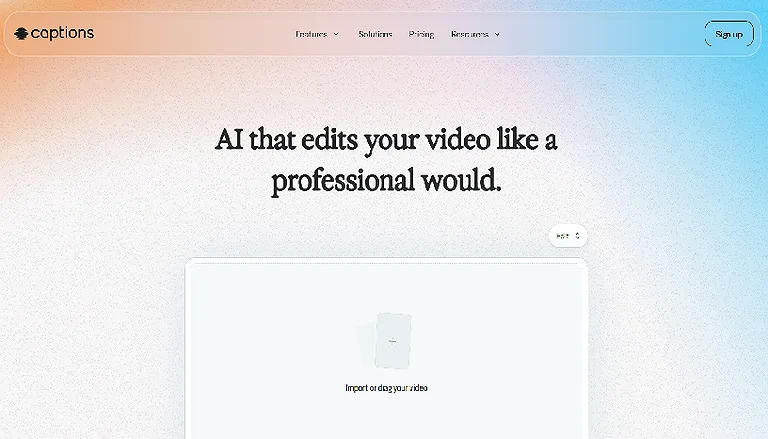
4 Captions App
Captions App helps creators produce engaging TikTok videos with animated subtitles, AI dubbing, eye contact correction, and audio enhancement. It automatically generates trending-style captions, improves viewer retention, and simplifies multilingual content creation, making videos more polished, readable, and optimized for social media engagement.
Key Features
- Animated word-by-word AI captions
- AI Eye Contact correction technology
- AI dubbing for multiple languages
- Background removal and audio enhancement
How to use the Captions App?
- Upload your TikTok or short-form video
- Generate animated captions automatically
- Apply AI dubbing or eye contact correction
- Edit, export, and publish optimised content
Pros
- Boosts watch time and engagement
- Supports multilingual caption generation
- Easy-to-use automated editing tools
- Improves on-camera presentation naturally
Cons
- Advanced features require paid subscriptions
- Free plan offers limited editing tools
- Some AI tools consume extra credits
- Customization options can feel restricted
Best For
TikTok creators, influencers, and marketers needing animated captions, multilingual videos, and enhanced audience engagement quickly and efficiently.
Limitations
- AI-generated captions may occasionally require manual correction
- Premium AI tools depend on credit-based usage
- Limited advanced editing flexibility compared to professional software
Pricing Plan
Includes Free, Pro, Max, and Scale plans with varying AI tools, editing credits, and business-focused features.
Clever Replacement
Submagic, Zubtitle, Descript, Clipchamp
Captions App Original site
5 PostEverywhere
PostEverywhere helps creators and businesses schedule TikTok content with AI-powered captions, posting recommendations, and multi-platform publishing. It streamlines short-form video management through a unified dashboard, allowing users to cross-post content, optimize hashtags, and plan campaigns efficiently without expensive enterprise-level social media tools.
Key Features
- AI-powered TikTok caption generation
- Multi-platform scheduling and cross-posting
- Best time-to-post recommendations
- Social media calendar with hashtag optimisation
How to use PostEverywhere?
- Connect TikTok and other social media accounts
- Upload videos and create AI-generated captions
- Schedule posts using recommended posting times
- Manage campaigns through the content calendar dashboard
Pros
- Simplifies multi-platform content scheduling
- AI captions improve engagement potential
- Supports TikTok, Reels, and YouTube Shorts
- More affordable than enterprise alternatives
Cons
- Advanced features require higher-tier plans
- Limited compared to enterprise analytics tools
- Works best for frequent content creators
- Some integrations may have platform restrictions
Best For
Creators, businesses, and marketing teams are managing TikTok scheduling, cross-platform posting, and AI-assisted short-form content workflows efficiently.
Limitations
- Analytics depth may not match enterprise-level platforms
- Higher-tier plans needed for advanced collaboration tools
- Limited value for users posting infrequently
Pricing Plan
Offers Starter, Growth, and Pro plans with varying social account limits, scheduling tools, and team collaboration features.
Clever Replacement
Metricool, Publer, Planoly, Sendible
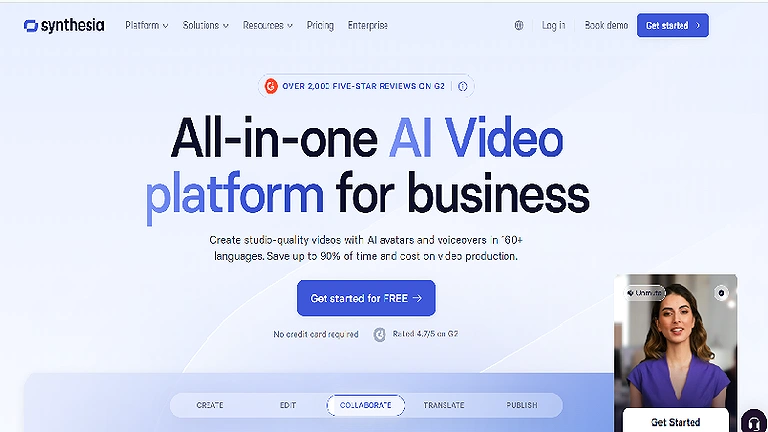
6 Synthesia
Synthesia helps enterprises create professional AI presenter videos using realistic avatars, multilingual voice overs, and branded templates. Supporting 130+ languages and custom digital spokespersons, it enables global teams to produce localised marketing, training, and promotional videos efficiently without hiring presenters or managing complex production workflows.
Key Features
- 150+ AI avatars with multilingual support
- Custom digital spokesperson creation
- Natural voiceovers and lip-sync technology
- Consistent branding with logos, fonts, and colors
How to use Synthesia?
- Select an AI avatar or create a custom spokesperson
- Enter scripts and choose language preferences
- Customize branding elements and video styles
- Generate, review, and export professional videos
Pros
- Excellent multilingual video capabilities
- Reduces presenter and production costs
- Maintains consistent brand presentation
- Ideal for scalable global campaigns
Cons
- Enterprise pricing can be expensive
- Premium features require higher-tier plans
- Custom avatar setup takes additional time
- Limited creative flexibility compared to manual filming
Best For
Enterprise marketing teams, global brands, and businesses creating multilingual presenter-style videos with consistent professional branding worldwide.
Limitations
- Advanced customization options may require enterprise support
- AI avatars can occasionally appear less natural in emotional delivery
- Best features depend on premium or enterprise subscriptions
Pricing Plan
Offers starter plans with scalable enterprise pricing for custom avatars, multilingual tools, and advanced branding capabilities.
Clever Replacement
HeyGen, Elai.io, Colossyan Creator, D-ID
Synthesia Official page
7 Opus Clip
Opus Clip helps creators and brands transform long-form videos into engaging TikTok-ready clips automatically. Using AI-powered moment detection, auto-reframing, captions, and virality scoring, it simplifies repurposing podcasts, webinars, interviews, and demos into high-performing short-form content for social media platforms efficiently.
Key Features
- AI identifies high-engagement video moments
- Auto-reframes horizontal videos into vertical clips
- AI-generated captions with highlighted keywords
- Batch processing for multiple video extractions
How to use Opus Clip?
- Upload long-form videos like podcasts or webinars
- Let AI detect engaging moments automatically
- Generate vertical clips with captions and reframing
- Export and publish clips on TikTok or social platforms
- Pros
- Saves significant video editing time
- Excellent for repurposing existing content
- AI virality scoring improves content selection
- Batch processing boosts productivity
Cons
- Free plan includes limited processing capacity
- Clip quality may vary for complex videos
- Advanced features require paid subscriptions
- Some edits may still need manual refinement
Best For
Creators, podcasters, and brands repurposing long-form videos into engaging TikTok clips for broader social media reach efficiently.
Limitations
- AI-selected clips may not always match creative preferences
- Processing limits apply on lower-tier plans
- Complex videos can require additional manual adjustments
Pricing Plan
Includes a free tier, while paid plans start around $19 monthly for advanced processing and premium features.
Clever Replacement
Munch AI, Vidyo.ai, Klap AI, Wisecut
8 Submagic
Submagic helps creators produce engaging TikTok-style videos using AI-generated animated captions, automatic B-roll suggestions, emoji overlays, and sound effects. Designed for short-form vertical content, it simplifies editing workflows and improves audience engagement while enabling fast exports and seamless integration with popular editing platforms.
Key Features
- AI-generated animated captions in multiple styles
- Automatic B-roll suggestions based on speech
- Emoji, sticker, and sound effect overlays
- One-click vertical 9:16 video export
How to use Submagic?
- Upload your short-form video content
- Generate AI captions and visual overlays automatically
- Add B-roll suggestions and sound effects
- Export optimized vertical videos for TikTok
Pros
- Simplifies caption and overlay creation
- Improves engagement with animated visuals
- Fast export for social media platforms
- Easy integration with editing tools
Cons
- Not a complete professional video editor
- Advanced tools require higher-tier plans
- Free version has limited flexibility
- Some customization options are restricted
Best For
TikTok creators and short-form video editors needing animated captions, overlays, and quick vertical content production efficiently.
Limitations
- Focuses mainly on captions rather than advanced editing
- Higher plans needed for collaboration and premium features
- Limited manual creative control in free tiers
Pricing Plan
Offers Free, Starter, Growth, and Business plans with varying editing tools, exports, and team collaboration features.
Clever Replacement
CapCut, VEED.IO, Captions App, AutoCaption AI
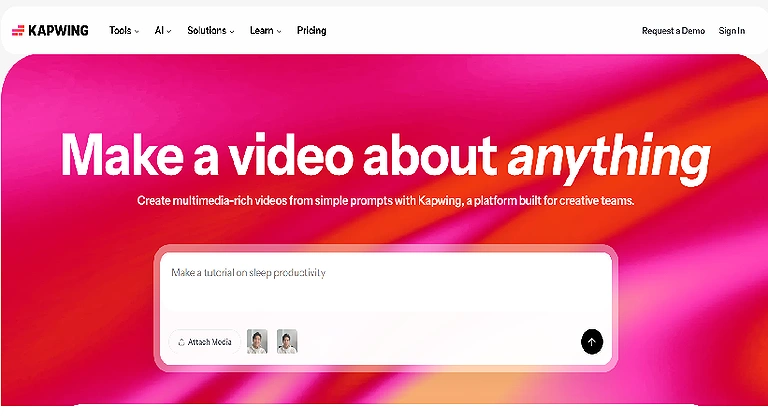
9 Kapwing
Kapwing is a browser-based video editor that helps teams create TikTok content with AI-powered subtitles, Smart Cut, background removal, and collaborative editing tools. It simplifies short-form video production, supports cross-posting, and offers content ideation features for scripts, captions, and audience-focused video optimization.
Key Features
- AI-powered subtitles and captions
- Smart Cut removes silences automatically
- Team collaboration in shared workspaces
- Resize and cross-posting tools for social platforms
How to use Kapwing?
- Upload videos to the browser-based editor
- Apply AI captions, Smart Cut, or background removal
- Collaborate with team members in shared projects
- Export and cross-post videos to social platforms
Pros
- Easy collaborative editing for teams
- AI tools speed up content creation
- A browser-based platform needs no installation
- Supports multi-platform video publishing
Cons
- Free plan includes watermark restrictions
- Advanced AI features depend on credits
- Less TikTok-specific effects than CapCut
- Large projects may process slowly online
Best For
Teams, marketers, and creators needing collaborative TikTok editing, AI captions, and efficient multi-platform short-form content publishing.
Limitations
- Advanced AI tools restricted by usage credits
- Internet-based editing may affect workflow speed
- Limited advanced visual effects compared to specialized editors
Pricing Plan
Offers Free, Pro, and Business plans with varying AI credits, exports, collaboration, and advanced editing features.
Clever Replacement
Canva Video, Clipchamp, Adobe Express, FlexClip
Kapwing Official source image
10 Spikes Studio
Spikes Studio helps streamers and gamers turn long gaming videos into TikTok-ready highlights using AI-powered clip detection, auto-captions, and speaker tracking. Designed for fast content repurposing, it simplifies gaming clip creation, supports bulk editing, and enables direct exports for short-form social media platforms.
Key Features
- AI gaming highlight detection
- Auto-captions with customizable styles
- Speaker tracking and intelligent framing
- Direct TikTok export and bulk editing support
How to use Spikes Studio?
- Upload gaming streams or YouTube videos
- Let AI detect highlight moments automatically
- Customize captions, framing, and visual styles
- Export clips directly to TikTok or Shorts
Pros
- Excellent for gaming content creators
- Fast highlight extraction and editing
- Supports bulk processing workflows
- Budget-friendly compared to premium competitors
Cons
- Less suitable for non-gaming content
- Free plan includes watermark restrictions
- Advanced features require higher plans
- Limited flexibility for complex editing needs
Best For
Gamers, streamers, and creators repurposing gaming streams into engaging TikTok highlight clips quickly and affordably.
- Limitations
- AI detection performs best with gaming-related content
- Free tier limits monthly processing minutes
- Professional workflows may require Enterprise features
Pricing Plan
Offers Free, Pro+, and Enterprise plans with different processing minutes, bulk editing, and priority export features.
Clever Replacement
Eklipse.gg, Powder AI, Crossclip, Medal.tv
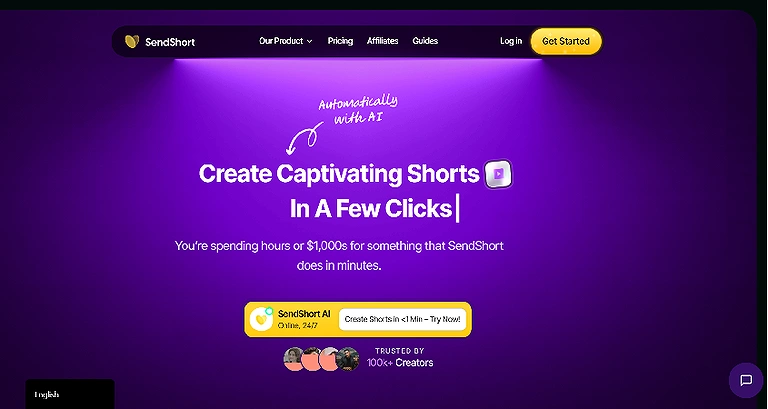
11 SendShort
SendShort helps creators convert long-form videos into engaging TikTok shorts using AI-generated hooks, animated subtitles, and automated clipping tools. It supports faceless content creation, background video generation, and multi-platform exports, making short-form video production faster, polished, and optimized for audience retention.
Key Features
- AI-generated hooks for engaging openings
- Automatic clipping from long-form videos
- Animated subtitles and background generation
- Multi-platform export for TikTok and Shorts
- How to use SendShort?
- Upload long-form videos or content clips
- Generate AI hooks and automatic short clips
- Add subtitles, visuals, and background footage
- Export optimized shorts to multiple platforms
Pros
- Simplifies long-to-short video conversion
- AI hooks improve viewer retention
- Excellent for faceless content creation
- Supports polished animated subtitles
Cons
- Credit system reduces actual usable exports
- Free plan includes watermark limitations
- Advanced tools require premium subscriptions
- Some outputs may need manual refinement
Best For
Creators and marketers are converting long-form videos into engaging faceless TikTok shorts with AI-powered hooks and subtitles.
Limitations
- A credit-based system can limit heavy usage workflows
- Free tier offers limited monthly video generation
- Advanced export and automation require paid plans
Pricing Plan
Offers Free, Starter, Professional, and Business plans with varying exports, credits, unlimited shorts, and 4K support.
Clever Replacement
Short AI, 2short.ai, SnapCut AI, Choppity
SendShort Home page
12 Repurpose.io
Repurpose.io automates content distribution by cross-posting TikTok videos to platforms like YouTube Shorts, Instagram Reels, and Facebook. It handles watermark removal, custom formatting, and scheduled publishing, helping creators streamline multi-platform workflows without manually resizing, uploading, or managing repetitive social media posting tasks.
Key Features
- Automatic cross-posting to multiple platforms
- Watermark removal workflows
- Custom formatting for each platform
- Scheduled content distribution tools
How to use Repurpose.io?
- Connect TikTok and social media accounts
- Select destination platforms for content sharing
- Configure formatting and scheduling preferences
- Automate publishing and cross-platform distribution
Pros
- Eliminates repetitive manual posting tasks
- Supports multiple social media platforms
- Automatically formats videos for each platform
- Works well with external video editors
Cons
- Not designed for video creation or editing
- Requires existing content before distribution
- Advanced scheduling depends on paid plans
- Limited creative customisation features
Best For
Creators and agencies automating TikTok content distribution across multiple social media platforms with minimal manual posting effort efficiently.
Limitations
- Focuses mainly on distribution rather than content production
- Users still need separate video editing tools
- Some automation features require higher-tier subscriptions
Pricing Plan
Offers Content Marketer, Pro, and Agency plans with varying account limits and social media automation features.
Clever Replacement
IFTTT, Zapier, SocialBee, Loomly
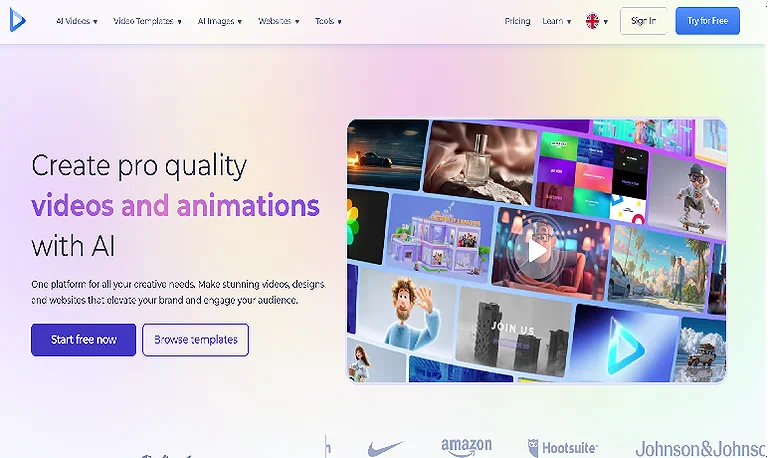
13 Renderforest
Renderforest is a template-based video creation platform that helps users produce TikTok-ready vertical videos quickly. It offers customizable templates, branding tools, music libraries, and drag-and-drop editing, making video production simple for creators wanting polished content without advanced editing experience or starting projects from scratch.
Key Features
- TikTok-specific vertical video templates
- Brand kit for logos, fonts, and colors
- Built-in music and sound effects library
- Drag-and-drop video editing interface
How to use Renderforest?
- Choose a video template from the library
- Customize text, visuals, and branding elements
- Add music, effects, or transitions easily
- Export optimized videos for TikTok or social media
Pros
- Huge library of customizable templates
- Beginner-friendly editing workflow
- Built-in audio and branding tools
- Fast video creation for social platforms
Cons
- Less flexible for fully custom projects
- Free version includes watermarks
- Advanced customisation requires paid plans
- Template-heavy design may feel repetitive
Best For
Creators and businesses producing branded TikTok videos quickly using templates, drag-and-drop editing, and simple customization workflows efficiently.
Limitations
- Creative freedom depends heavily on available templates
- Free plan restricts exports and premium assets
- Not ideal for advanced cinematic editing needs
Pricing Plan
Includes a free plan, while paid subscriptions start around $14.99 monthly with premium templates and advanced features.
Clever Replacement
Animoto, Biteable, Canva Video, Promo.com
Renderforest Source page
14 Vidu AI
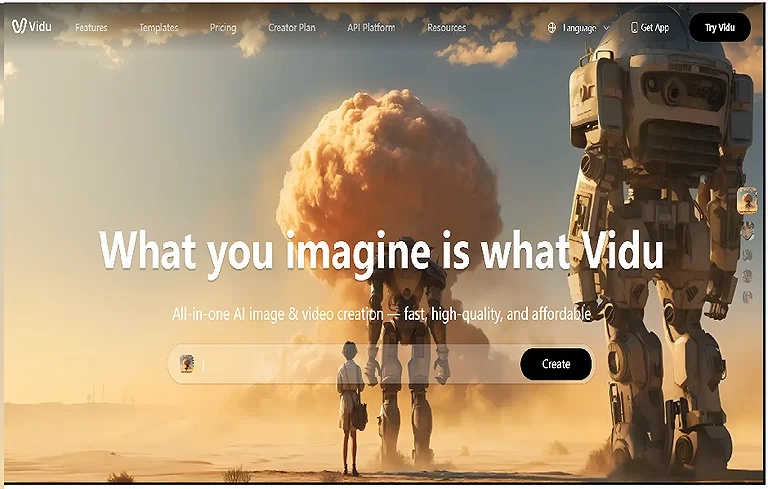
Vidu AI helps creators generate short AI-powered video clips from text prompts or images, producing realistic, animated, or cinematic 4–8 second videos quickly for TikTok experimentation and fast content creation. It offers flexible visual styles, rapid rendering, and easy creative control for engaging short-form videos. For faceless content creation and high-quality results, advanced AI tools for video creation provide powerful solutions to produce professional, scalable, and visually appealing content efficiently.
Key Features
- AI image-to-video conversion
- Realistic, animated, and cinematic styles
- Fast video generation within seconds
- Text prompt-based scene creation
How to use Vidu AI?
- Upload images or enter text prompts
- Choose a preferred visual style
- Generate short AI-powered video clips
- Export and combine clips for TikTok content
Pros
- Extremely fast video generation
- Multiple creative visual styles available
- Easy image-to-video workflow
- Great for rapid content experimentation
Cons
- Limited to short 4–8 second clips
- Longer videos require manual assembly
- Fewer editing tools than full editors
- Advanced cinematic control may be limited
Best For
Creators producing short AI-generated TikTok clips, visual experiments, and cinematic content with fast image-to-video workflows efficiently.
Limitations
- Not suitable for long-form video production
- Requires combining clips manually for extended projects
- Limited advanced editing and storytelling tools
Pricing Plan
Paid plans start around $9.99 monthly with varying video generation limits and advanced creative features.
Clever Replacement
Runway ML, Pika Labs, Luma AI, Kaiber AI
Vidu AI Official page
Frequently Asked Questions
1. What are AI tools for TikTok management?
AI tools for TikTok management are platforms that help creators and businesses automate video creation, captions, scheduling, analytics, and trend optimization to save time and boost engagement.
2. Which AI tool is best for bulk video creation?
Crayo AI is ideal for bulk TikTok video creation, automating repetitive tasks, generating multiple videos, and adding AI voiceovers and captions.
3. Can AI tools help with TikTok captions?
Yes. Tools like Captions AI and Submagic provide animated, AI-generated captions, B-roll suggestions, and multi-language support to improve viewer retention.
4. Are there AI tools for repurposing long-form content?
Yes. Opus Clip, SendShort, and Munch analyze long videos, extract engaging segments, and automatically convert them into TikTok-ready short clips.
5. How do AI scheduling tools work?
Platforms like PostEverywhere allow you to schedule TikTok posts, optimize posting times, generate captions, and cross-post to other social platforms automatically.
Key Takeaways
AI-powered TikTok tools are transforming how creators, marketers, and businesses produce, edit, schedule, and distribute short-form content. From automated captions and clip generation to multilingual presenter videos and cross-platform publishing, these platforms reduce production time while improving engagement and consistency. This efficiency is a massive advantage for creators looking at how AI tools are used for earning money, as scaling video output opens monetisation opportunities through Creator Rewards, brand deals, and affiliate marketing. Tools like Opus Clip, Synthesia, Kapwing, and Repurpose.io streamline workflows. The right AI solution improves creativity, reach, efficiency, and overall social media marketing performance.